Physical Address
304 North Cardinal St.
Dorchester Center, MA 02124
Physical Address
304 North Cardinal St.
Dorchester Center, MA 02124

OK, so here is my first attempt at editing my photos useing Light Room, 🙈 I know I know, I said I did say in my previous post that I was going to try and avoid Adobe Light Room. But I had a good browse around, on YouTube as always to find out the best program to use. I did find a few people say to use things like DXO or Affiniti Photo.
Now I did take a breif look at Affiniti and it felt so complicated and more of a Photoshop vibe that I dont think I am in need of yet and then I went to DXO, and found you needed the newest latest MacOS to run. So I then ditched the plan of a Light Room alternative and went to Light Room, thinking well its the main one I hear people go on about and the most tutorials on YouTube so I was thinking in this case it must surely run on everything. Only to find out, You guessed it, Light Room Classic also required the Latest Mac OS 🙈. Brill thanks. Do your homework I guess is the lesson somewhere in this 😂.
Now, I am only on a MacBook Pro from 2016, that I only recently purchased thinking it would be more than up to the job of editing a few photos, also there is no way on earth I am paying the price of the silicone chip Macs, just no chance. So this sent me down the route of finding a way to upgrade the OS on my current mac to the latest version. Which actually turned out to be pretty simple with the help of a chap on “you guessed it” youTube, his Chanel is “AnsonAlexander” and the video is “Install macOS 15 Sequoia on Unsupported Macs”. This video is awesome and so easy to follow. My mac is running just fine on Sequoia. So I am well chuffed with that.
Any way, Back to Photography and Light Room, and after all the stress of sorting the laptop out I thought sod it, im going treat my self and see what this Light Room is all about. Well after my brief go on Affiniti the difference is crazy. People suggesting Affiniti I feel are either using the AI software, or are way more advanced than me and can make use of the photoshop esk software, but for a beginner, I feel light room is realy simple and way easier to get your head around so I think I will be sticking with it for the time being. Here are the results I got from just a quick mess around.
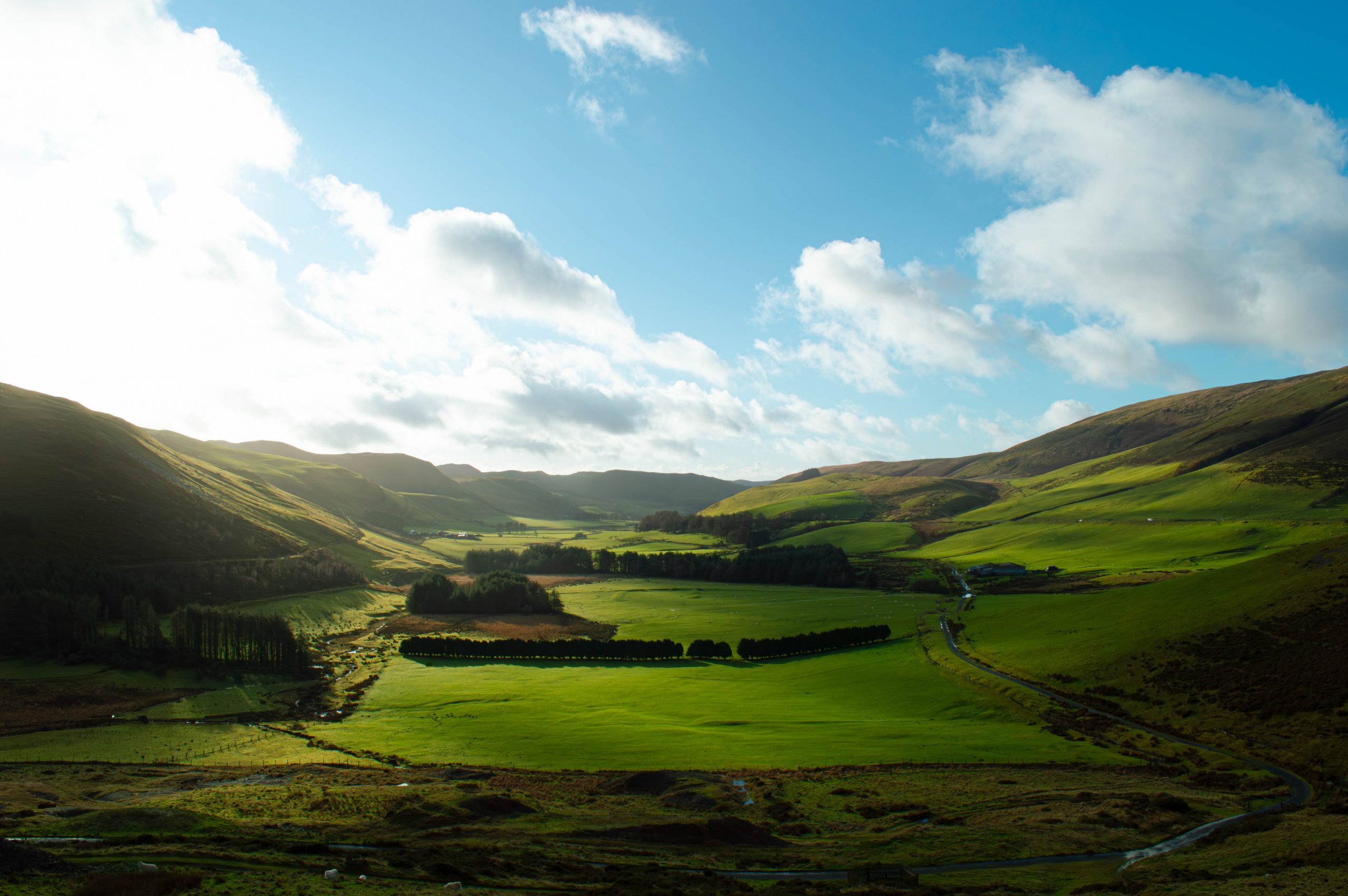
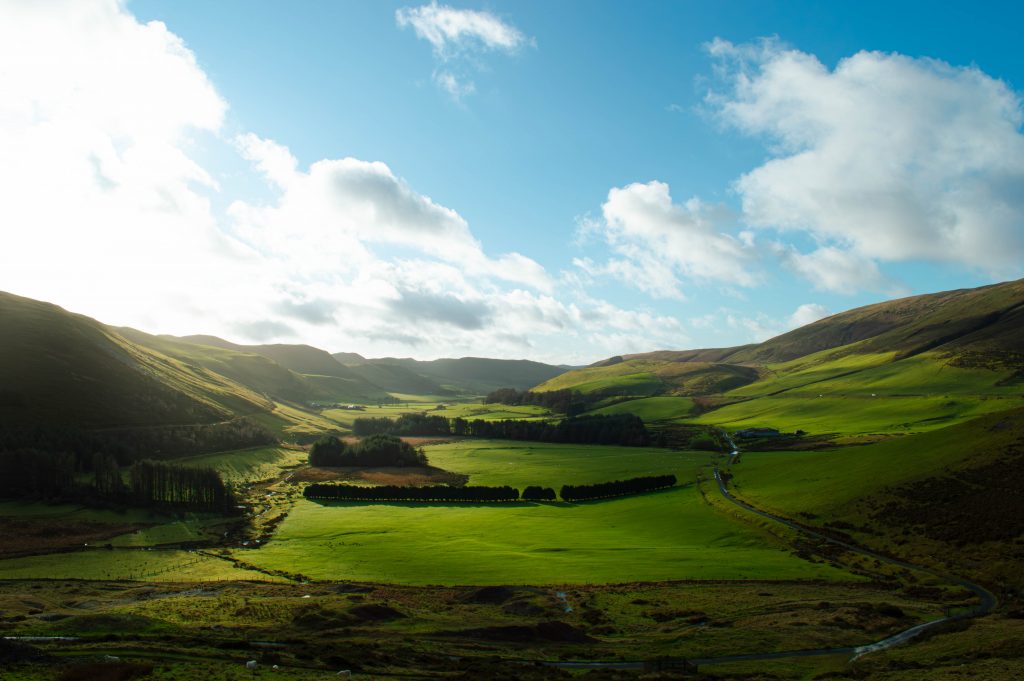
First I had a go with this image, this is just RAW and unedited…
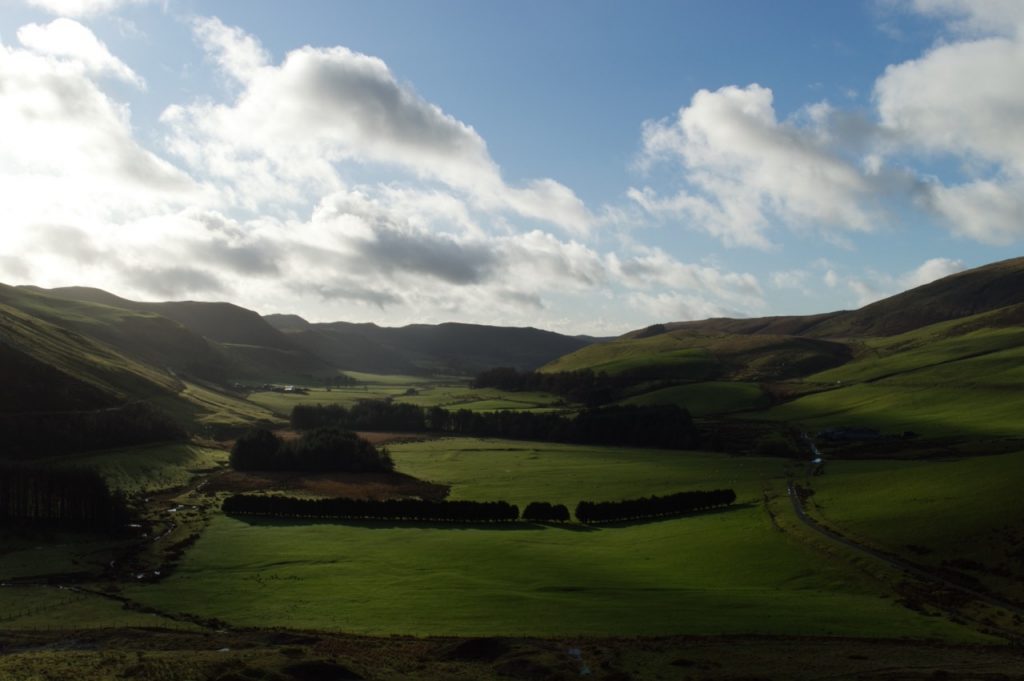
That I got to look Like this in no time at all, I tried to sharpen details, brighten up the deeper shadowed areas and bring back the vibrant grass I feel I saw in person. I think the edit looks better, but I am sure I still have a lot to learn yet.
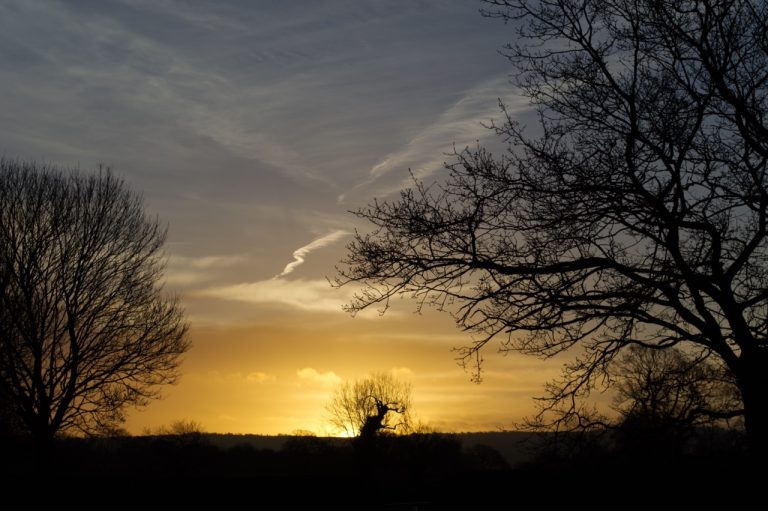
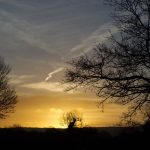
Next up I went on to edit the Sunrise coming through the trees photo. Again Raw and un edited it was like this …
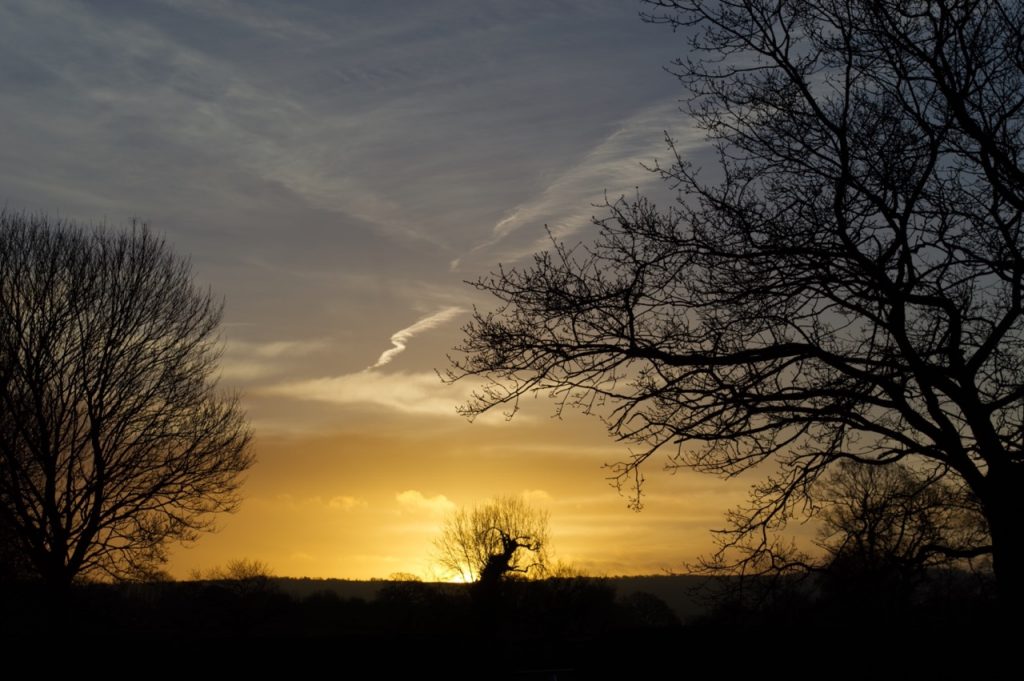
But again after a little tinker in Light Room, I got this…
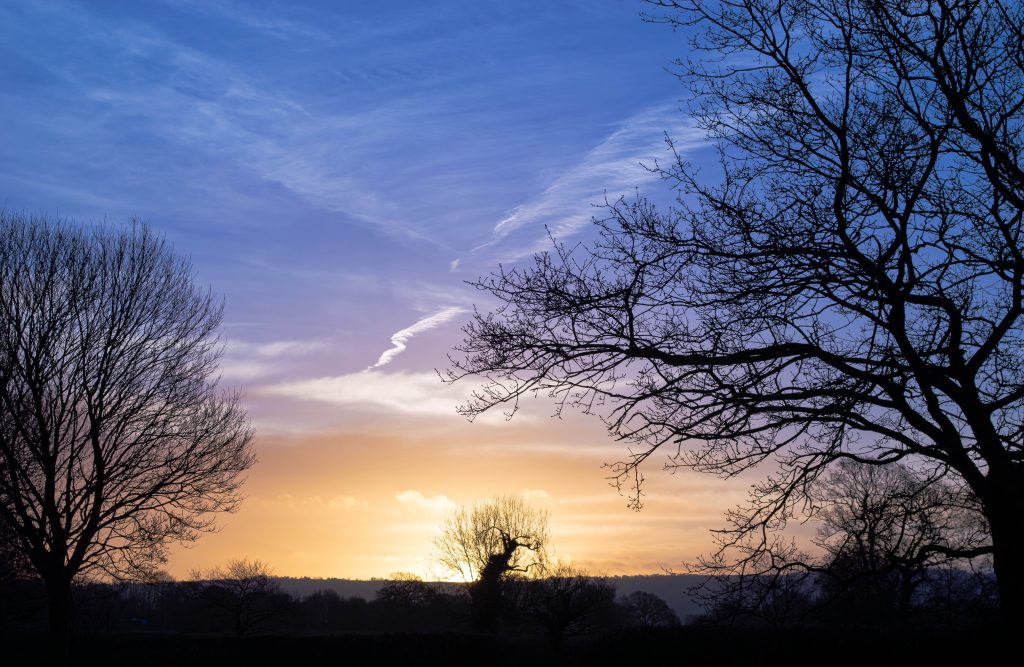
Here I tried to keep the cold feeling as it was freezing when I shot this, sharpened up the trees and brought the detail up using the Denoise tool I believe 🤷, but I could be wrong. I am chuffed with the results of just a hour or so Tinkering with, again the help of another YouTube chap called “THAT ICELANDIC GUY” who has tons a videos for people like me just starting out with photography, from what gear you NEED and how to use Light Room ect, his videos have been awesome for me, on top of that he is also a good laugh to watch. so big thanks to him if he ever sees this lol.
Thats that for this post, prey I haven’t board you to much 😂 and the next post I hopefully will be able to show you my new camera, Yes its actually mine this time 😂
Until then, Have a good un!